

CapCut is a popular video editing tool developed by ByteDance—the parent company of TikTok. With a user-friendly interface, a rich library of effects, and the ability to export high-quality videos, CapCut is becoming the top choice for both casual users and professional content creators.
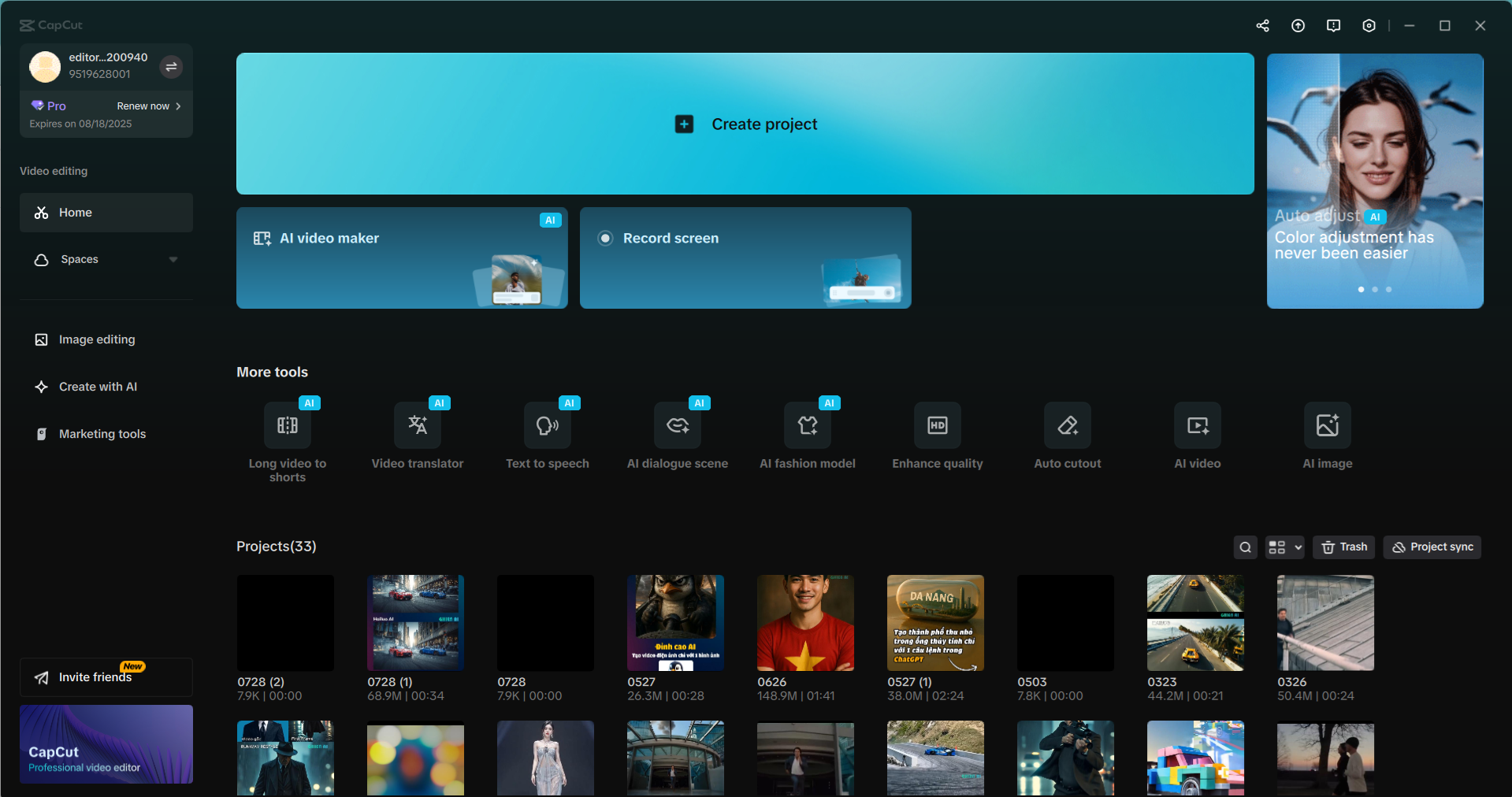
Key Features of CapCut
✂️ Multi-Layer Video Editing – Easy to Use
From cutting, speeding up, and slowing down to adding music and inserting subtitles, everything can be done with a few simple drag-and-drop actions.
🎨 Massive Library of Effects, Stickers, and Filters
You can easily add transition effects, animated stickers, virtual backgrounds, and cinematic color filters to make your videos more vibrant without the need for complex software.
🔤 Automatic Subtitles with AI
CapCut supports creating automatic subtitles from speech with high accuracy and multiple language support, making it perfect for TikTok, Reels, and YouTube Shorts.
🤖 Integrated AI Video Tools (CapCut Creative Suite)
CapCut offers powerful AI tools such as:
-
Automatic background removal without a green screen
-
Voice, music, and background sound separation
-
Creating AI talking head content from text
-
Text-to-Speech conversion
📱 Cross-Platform – Mobile, PC, Web
CapCut is available on mobile, PC, and even web browsers, allowing for easy synchronization and video editing anytime, anywhere.
Why You Should Use CapCut
-
✅ Almost all features are free
-
✅ Easy-to-use interface, optimized for beginners
-
✅ Beautiful effects, exports videos in 1080p/4K
-
✅ Powerful AI integration—automates editing
-
✅ Perfect for TikTok, YouTube Shorts, and Instagram


